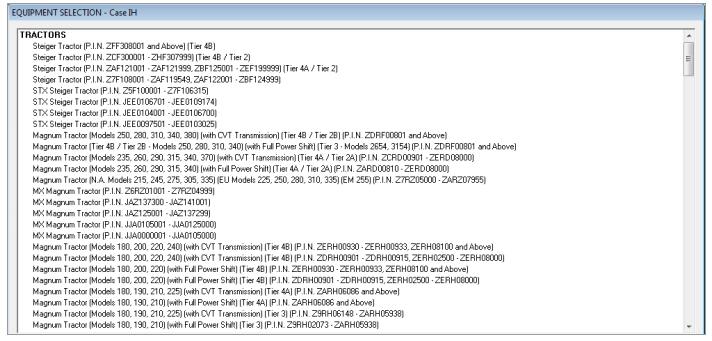
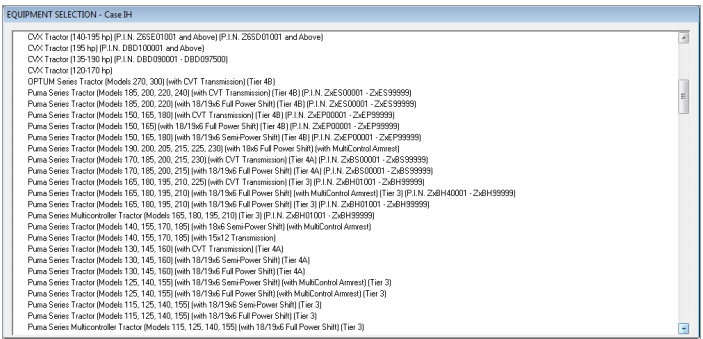
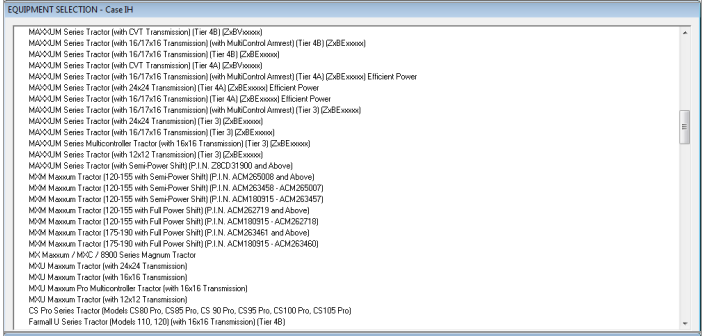
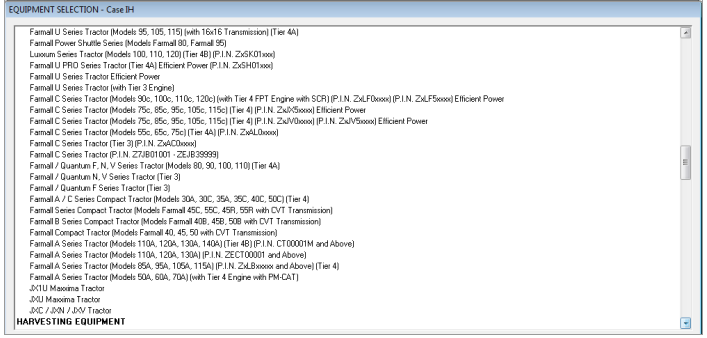
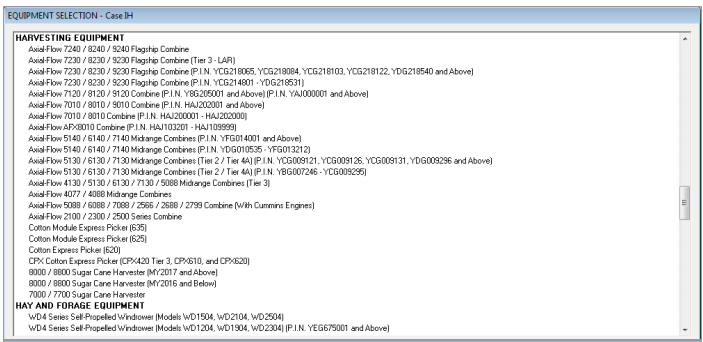
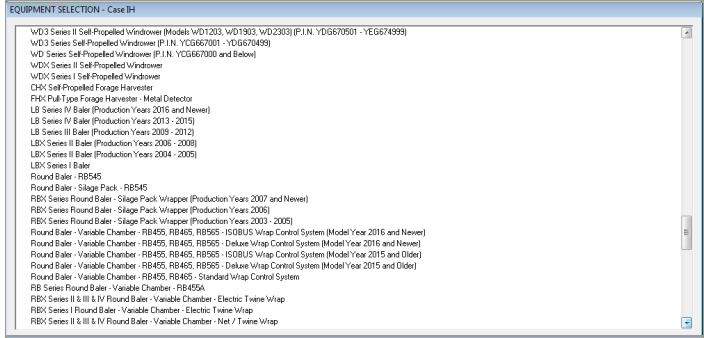
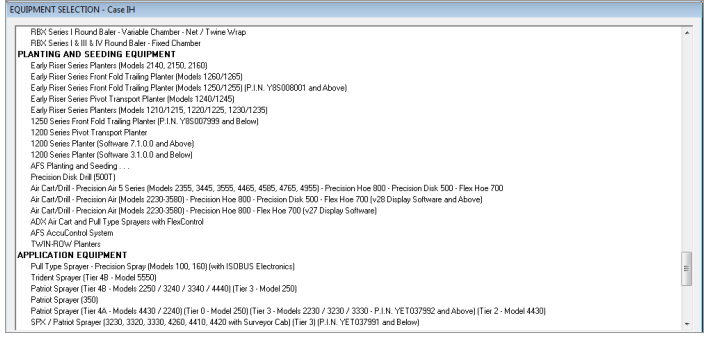
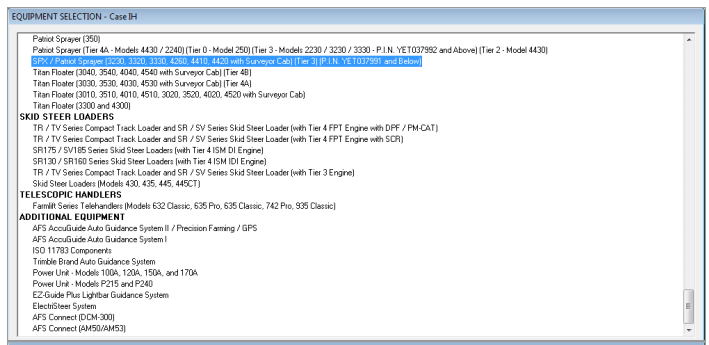
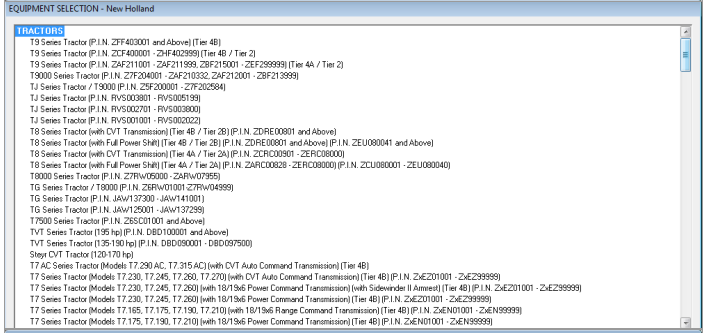
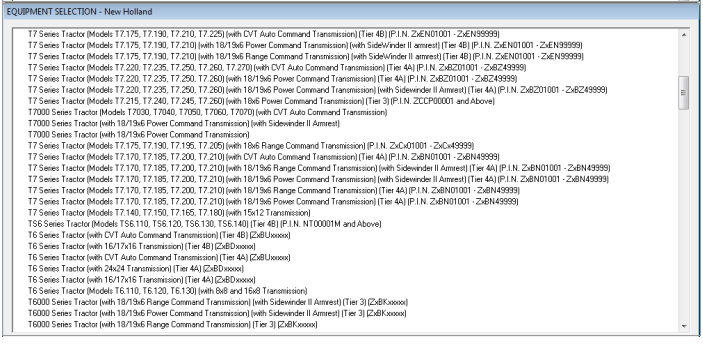
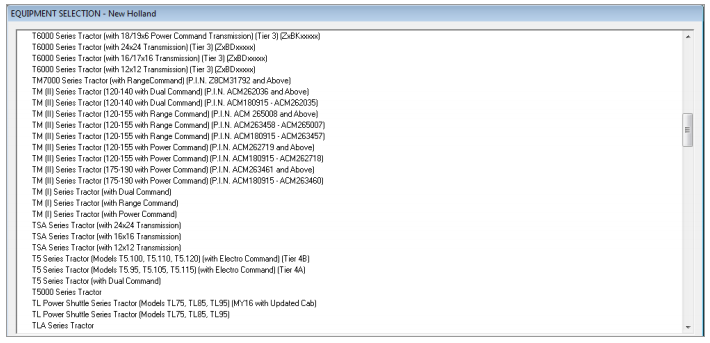
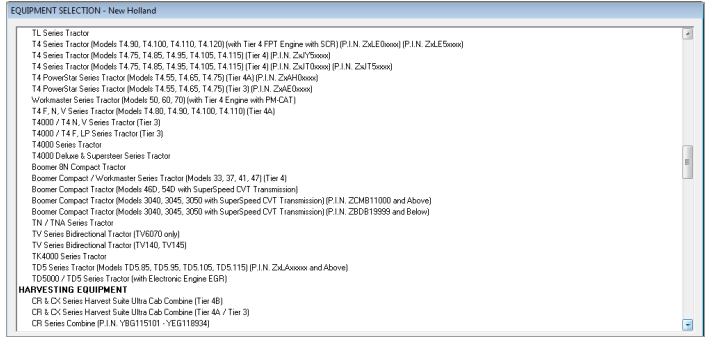
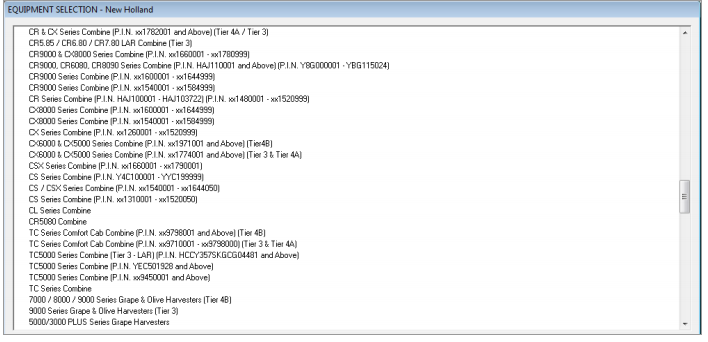
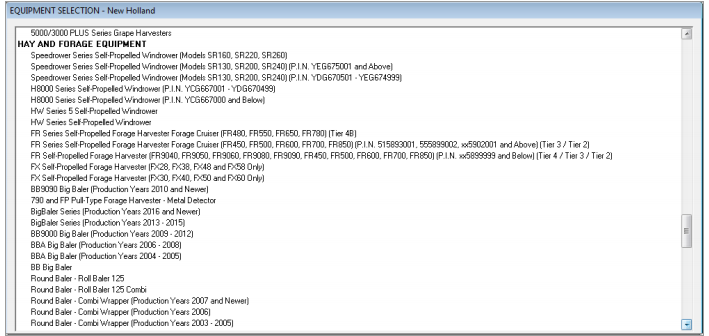
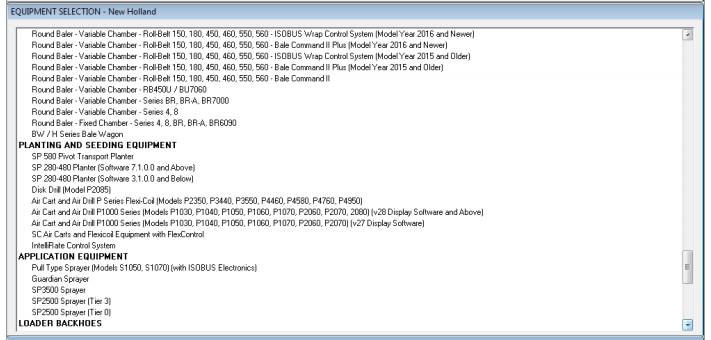
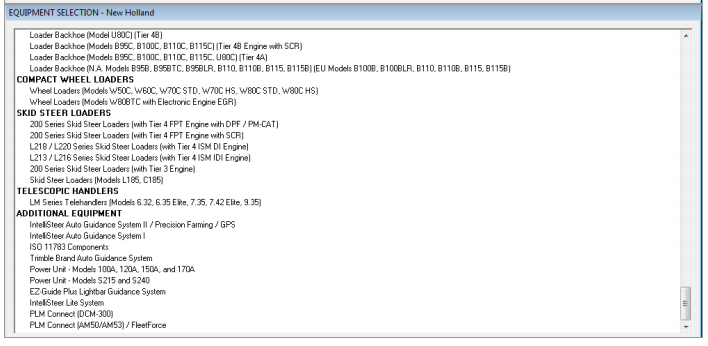
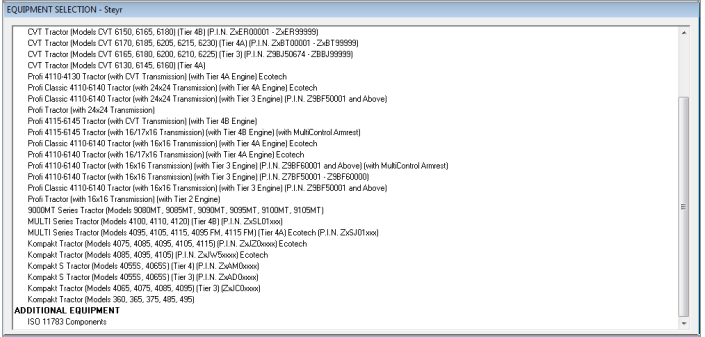
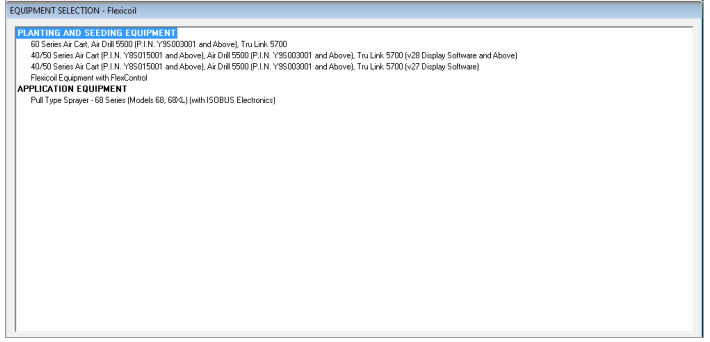
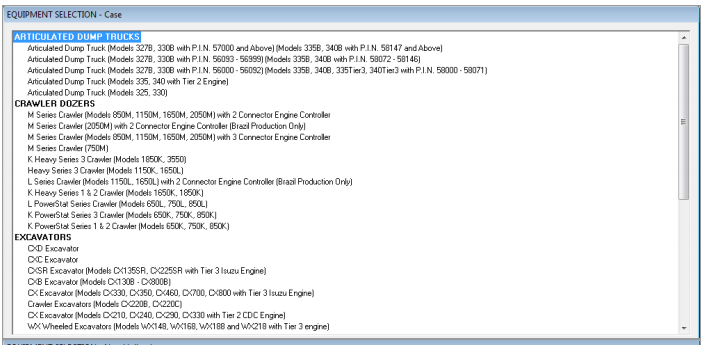
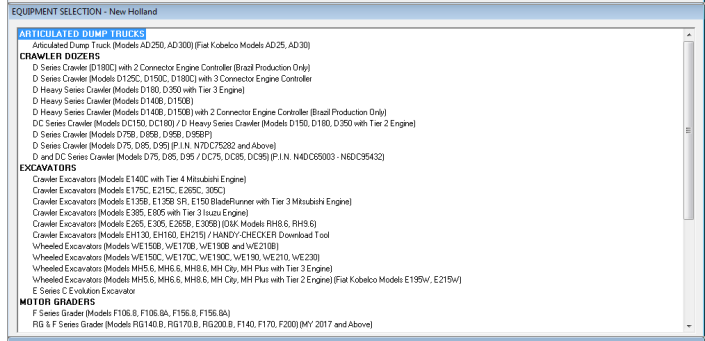
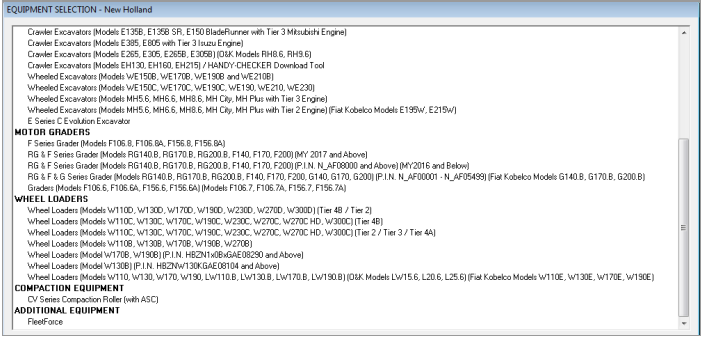
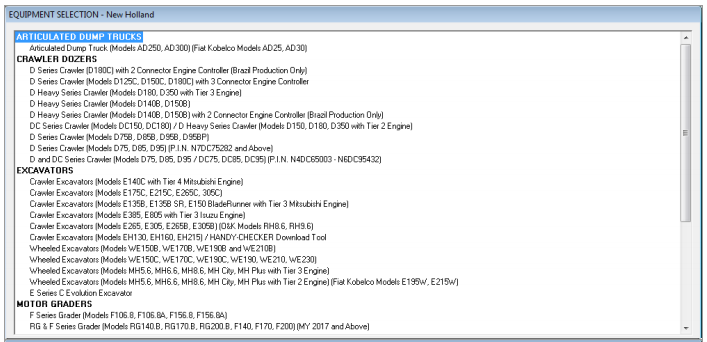
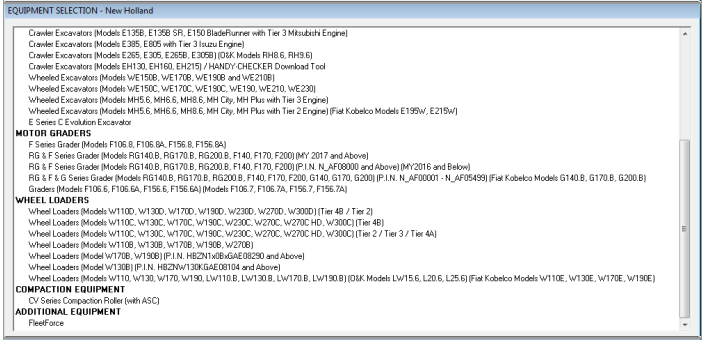
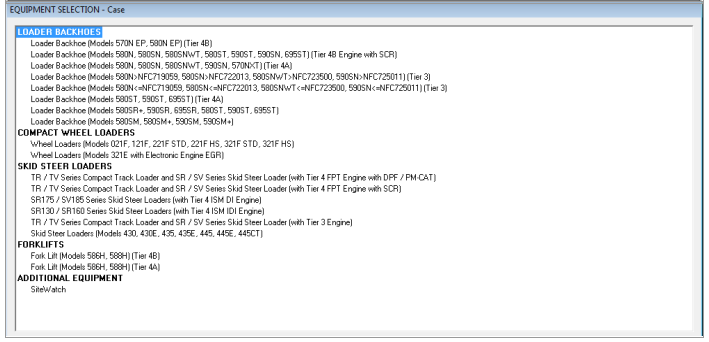
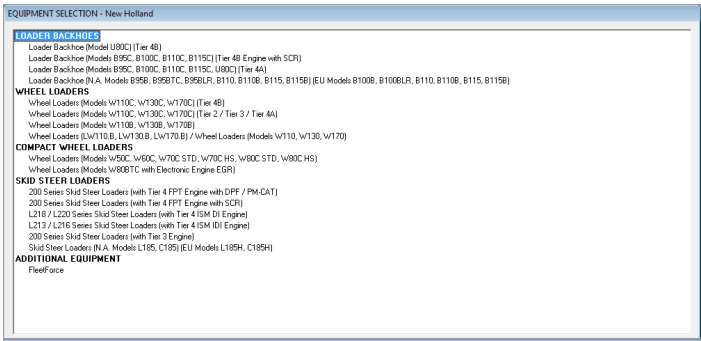
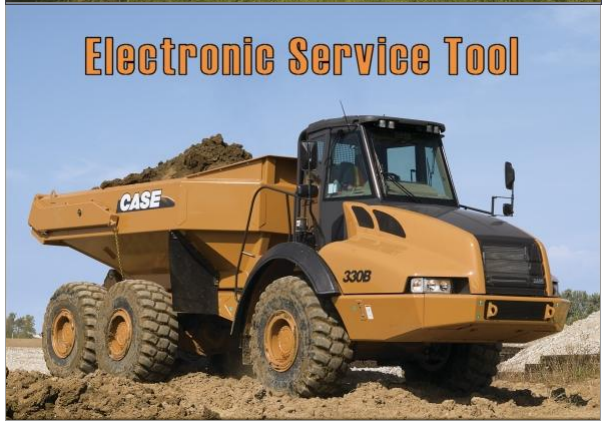
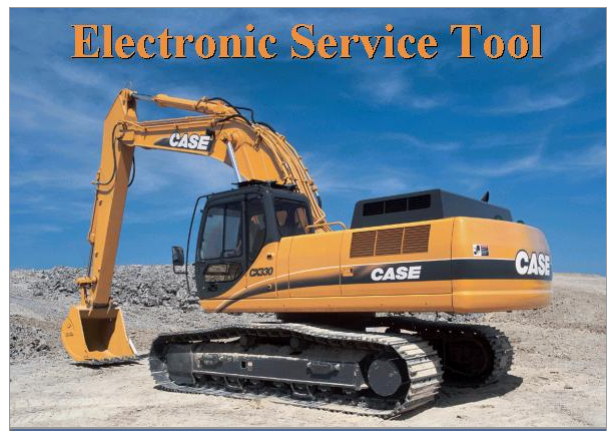
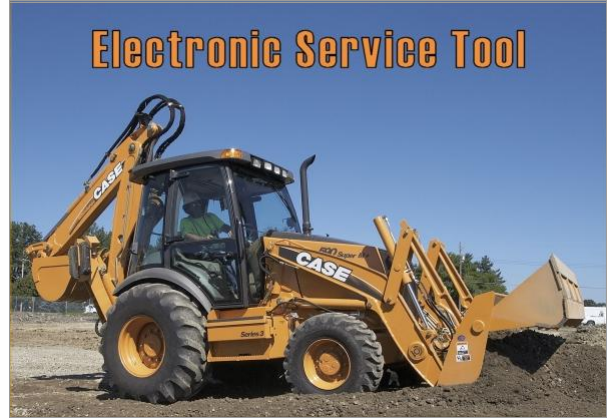
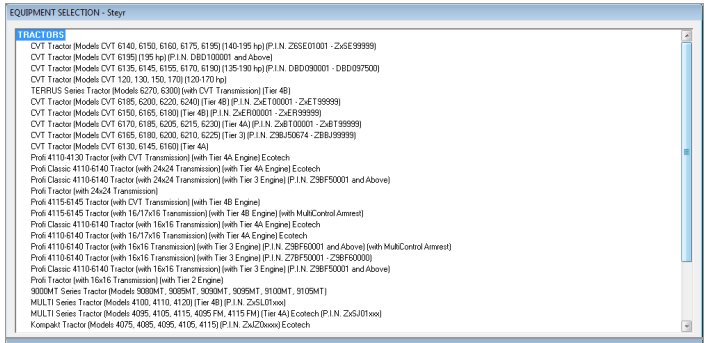
Supporting Model List for New Holland Electronic Service Tools CNH DPA5

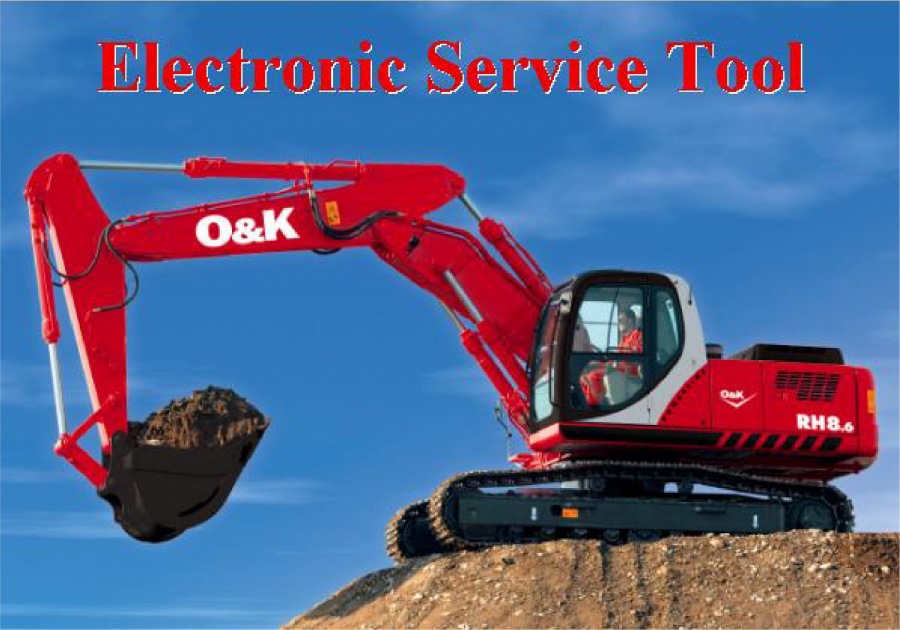
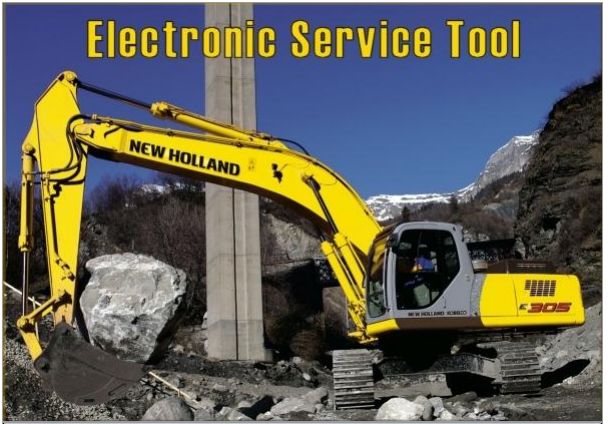
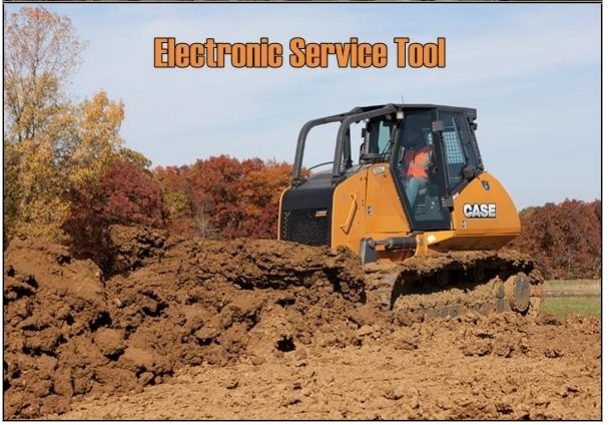
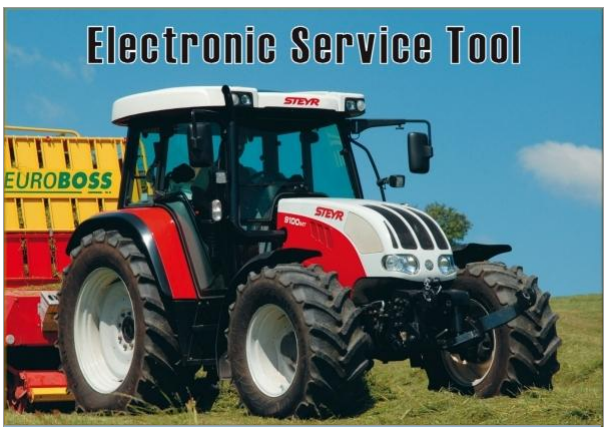
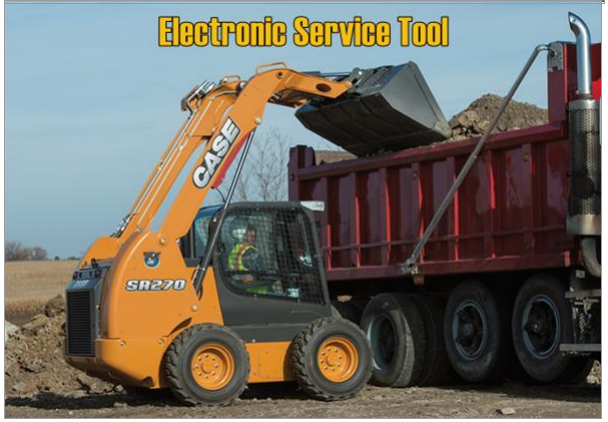
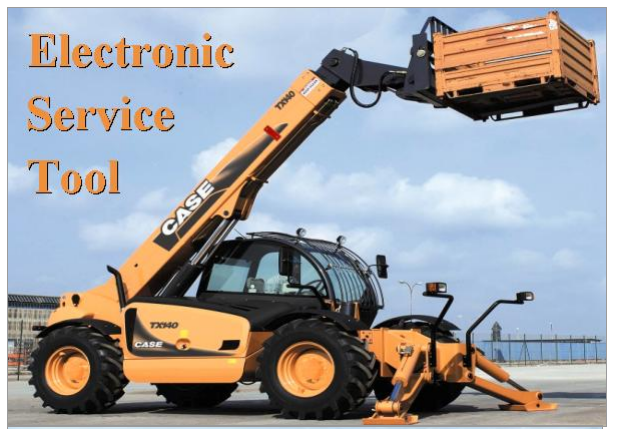
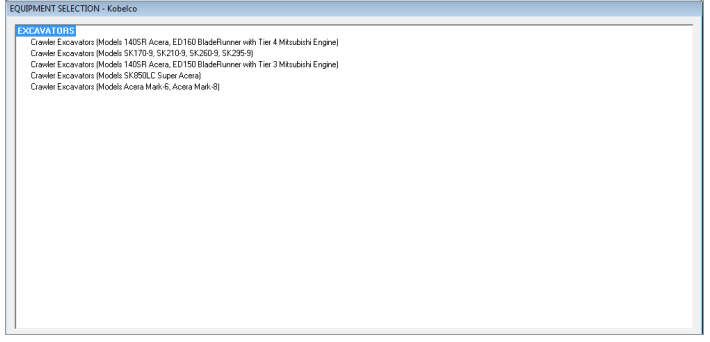
New Holland Electronic Service Tools (CNH EST) – full diagnostic for New Holland, Kobelco, CASE, Steyr, Flexicoil, FK, O&K. New Holland Construction and New Holland Agriculture equipment. Case Construction and Case Agriculture equipment.


With this Electronic Service Tool (EST) you can:

  • Check status of parameters;
  • Retrieve faults;
  • Run diagnostic tests;
  • Make ECU and parameter programming;
  • Monitor active and logged diagnostics;
  • View and change ECU configuration;
  • View diagnostic procedures and schematics.
  • Troubleshoot problems;
  • Use asist database;
  • Run scope diagnostics
 

Comments

Popular posts from this blog

How to setup BMW ISTA/P Loader for ICOM A2 ENET cable K+DCAN adapter

The text here, as a user manual of BMW ISTA/P Loader / ICOM Emulator,  is aimed to help those puzzled with ISTA/P Loader setup for  ICOM A2 , ENET cable, K+DCAN  USB interface. Note: all info here not original, shared by a forum member So try at your own risk! Main content: Part 1 – Compatible device Part 2 – Latest ISTA/P Loader update information Part 3 – How to install ISTA/P Loader v4.x Part 4 – How to use  ISTA/P loader with ICOM A2, K+DCAN cable, ENET cable Part 5 – How to shut down ISTA/P Part 1 – Compatible device: ISTA/P Loader compatible with ICOM A2 (OEM or clone), K+DCAN USB and ENET   Part 2 – Latest ISTA/P Loader update information: NEWEST – ISTA/P Loader V4.8  update info: Free download BMW ISTA-P Loader V4.8.7 to get all new info yourself …… ISTA/P Loader V4.2 update info: Custom resolution option added Improved detection of bmw scan tool ISTA-P install location. Improved compatibility with windows 10 Code...

JOHN DEERE DIAGNOSTIC OPTIONS

JOHN DEERE DIAGNOSTICS John Deere has recently been in the news because of their strict opposition to allowing farmers, equipment owners, and repair shops access to the information they need to repair and maintain their vehicles. If you read the main stream news, you would be left to believe that John Deere diagnostic with a computer is impossible. Well, we are here to help dispel that myth and give some more exposure to some tools that actually do perform diagnostics on John Deere. There are actually several solutions in the market, some of which we will cover in this post. JOHN DEERE EDL AND SERVICE ADVISOR The very best solution in the market is what the dealers use. John Deere dealers use a combination of PC-based computer with two critical components – John Deere Service Advisor software and the John Deere EDL v3 Adapter . The EDL v3 adapter looks like the picture shown below. It comes with a hard carry case, the adapter itself, a 9-pin connector, and the USB ca...
VAG 5th Immo Make Dealer Key Device, Tutorial, Wiring

Here’s the tutorial of making a dealer key to VAG 5th Immo! Done with Xhorse vvdi2 Instruction: Step 1: choose a method to read BCM2 1 connect device to the car by OBD; start to read BCM data Step 2: you can verify key black status with “Check key status” button Step 3: press button “prepare dealer key”; it requests load the BCM2 data in step 1 (important) Then put the programmable key into the vvdi2 programmer. Prepare the dealer key with tips Step 4: connect vvdi2 to the car; prepare all keys to the car Insert one key into the switch ignition, input the key number you want to learn Then press “Key learning”; it requests load the BCM2 data read in step 1 (important) Follow the tips and complete the key learning Vvdi2 starts to make a dealer key Choose a method: A4L A5 Q5 add a new key or lost all keys – No need any working key Press Ok and load BCM2 data in step 1 Put a key into the vvdi2 Start to read key info Reprogramming key info Sta...