VXDIAG Porsche PIWIS3 Software Update to V37.900

The  VCX-DoIP Piws 3 is only Vxdiag J2534 tool supports Porsche PIWS 3 Software till now. The VXDIAG PIWIS3 software has released to newer version 37.900.
VXDIAG VCX-DoIP Porsche Piwis III New & Old Cars:
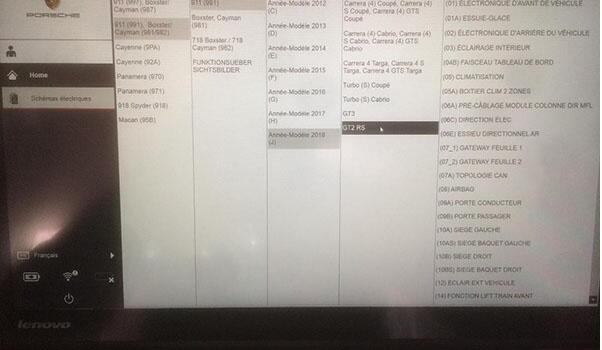
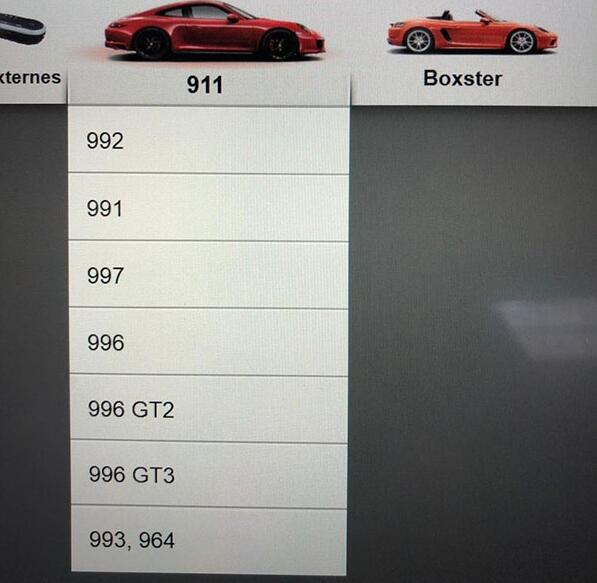
All Porsche from 1998-2018:
Porsche 911(997) (991)
Boxster/Cayman (987)
Cayenne up to MY 2010
Cayenne from MY 2011
Panamera
Especially the latest models:
Paramera (971) 2018
Caynenne (92A) 2018
Macan (95B) 2018
911 (991) 2018
and other old models
VXDIAG Multi Tool PIWS3 Features & Functions:
New operating system and more intuitive software interface
New VCI, support for models with DoIP diagnostics after 2017
Maintenance, repair, control unit replacement, programming code
Login online anti-theft matching programming
Guided fault finding
Maintenance circuit diagram view
Engineer mode (development version) can support special functions such as installing, modify, Flash.
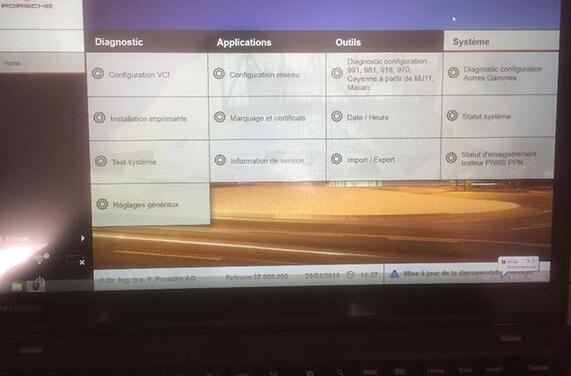
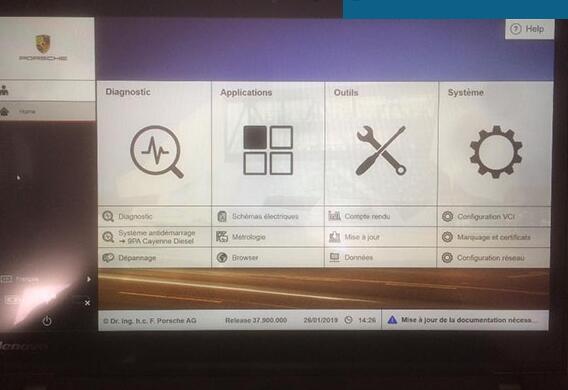
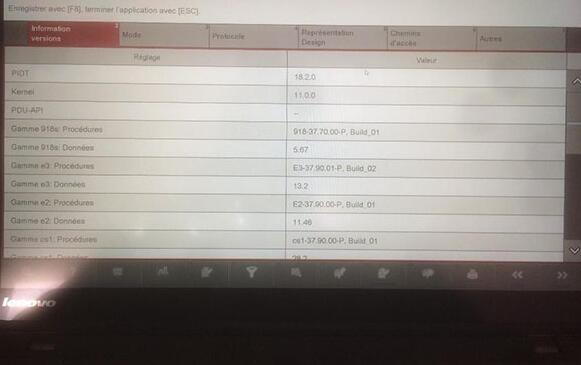
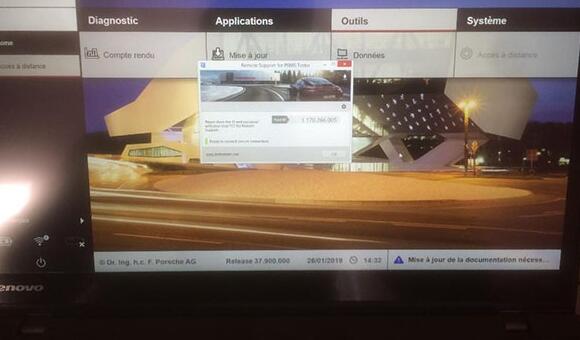
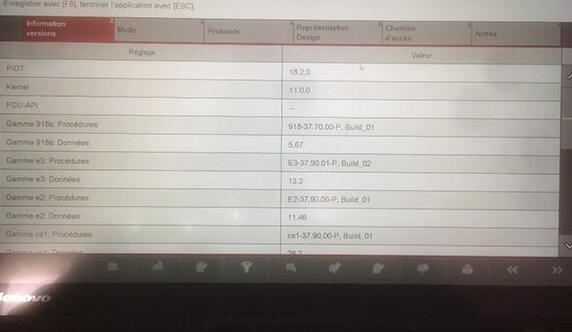
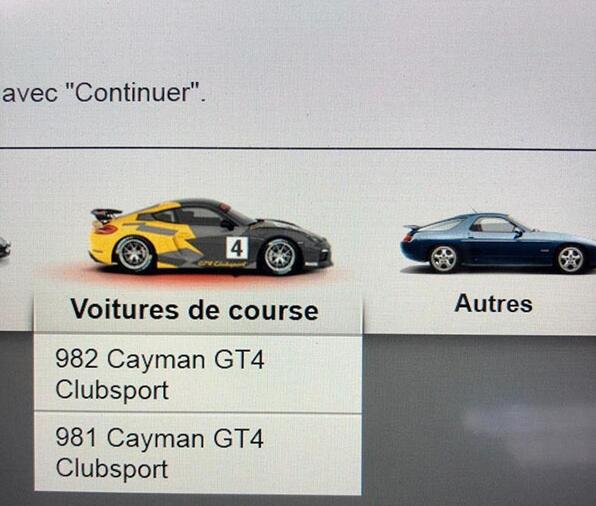
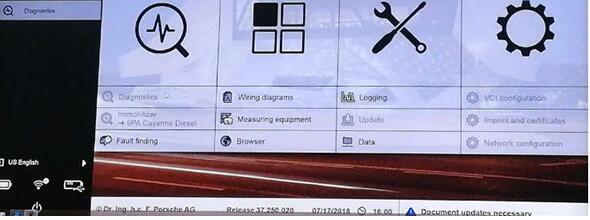
VXDIAG PIWIS3 37.900 Software Display:
porsche-piwis-3-37900-download-1
porsche-piwis-3-37900-download-2
porsche-piwis-3-37900-download-3
porsche-piwis-3-37900-download-4
porsche-piwis-3-37900-download-5
porsche-piwis-3-37900-download-6
porsche-piwis-3-37900-download-7
porsche-piwis-3-37900-download-8
porsche-piwis-3-37900-download-9

Comments

Popular posts from this blog

How to setup BMW ISTA/P Loader for ICOM A2 ENET cable K+DCAN adapter

The text here, as a user manual of BMW ISTA/P Loader / ICOM Emulator,  is aimed to help those puzzled with ISTA/P Loader setup for  ICOM A2 , ENET cable, K+DCAN  USB interface. Note: all info here not original, shared by a forum member So try at your own risk! Main content: Part 1 – Compatible device Part 2 – Latest ISTA/P Loader update information Part 3 – How to install ISTA/P Loader v4.x Part 4 – How to use  ISTA/P loader with ICOM A2, K+DCAN cable, ENET cable Part 5 – How to shut down ISTA/P Part 1 – Compatible device: ISTA/P Loader compatible with ICOM A2 (OEM or clone), K+DCAN USB and ENET   Part 2 – Latest ISTA/P Loader update information: NEWEST – ISTA/P Loader V4.8  update info: Free download BMW ISTA-P Loader V4.8.7 to get all new info yourself …… ISTA/P Loader V4.2 update info: Custom resolution option added Improved detection of bmw scan tool ISTA-P install location. Improved compatibility with windows 10 Code...

JOHN DEERE DIAGNOSTIC OPTIONS

JOHN DEERE DIAGNOSTICS John Deere has recently been in the news because of their strict opposition to allowing farmers, equipment owners, and repair shops access to the information they need to repair and maintain their vehicles. If you read the main stream news, you would be left to believe that John Deere diagnostic with a computer is impossible. Well, we are here to help dispel that myth and give some more exposure to some tools that actually do perform diagnostics on John Deere. There are actually several solutions in the market, some of which we will cover in this post. JOHN DEERE EDL AND SERVICE ADVISOR The very best solution in the market is what the dealers use. John Deere dealers use a combination of PC-based computer with two critical components – John Deere Service Advisor software and the John Deere EDL v3 Adapter . The EDL v3 adapter looks like the picture shown below. It comes with a hard carry case, the adapter itself, a 9-pin connector, and the USB ca...

How to flash using a DoIP hardware

  This is an Article showing just how simple it is to flash in DTS Monaco , over DoIP (Diagnostic over Internet Protocol). These newer units can ONLY be flashed over DoIP. Trying to flash them via CAN, will very likely brick your control unit, so that should not be attempted, under any circumstances! A DoIP hardware is required to flash these newer units. Such a hardware can be an SDConnect C4 DoIP , ECOM or VCX SE . DoIP brings signifficant advantage versus CAN, by that it is much faster (eg. flashing times take a few minutes, instead of several hours, telematics disks are not needed anymore, etc etc). Once you own the equipment, it will need to be correctly set up. There are online guides available, that show how to set up these devices. Following is the DTS Monaco guide on how to flash using a DoIP hardware! First, we’ll need to select the relevant SMR-D file, of the control unit, which we’ll be interacting with. Once interfacing with the control unit, before flash...